Minder offers custom notification sounds which are not translated to the Apple Watch.
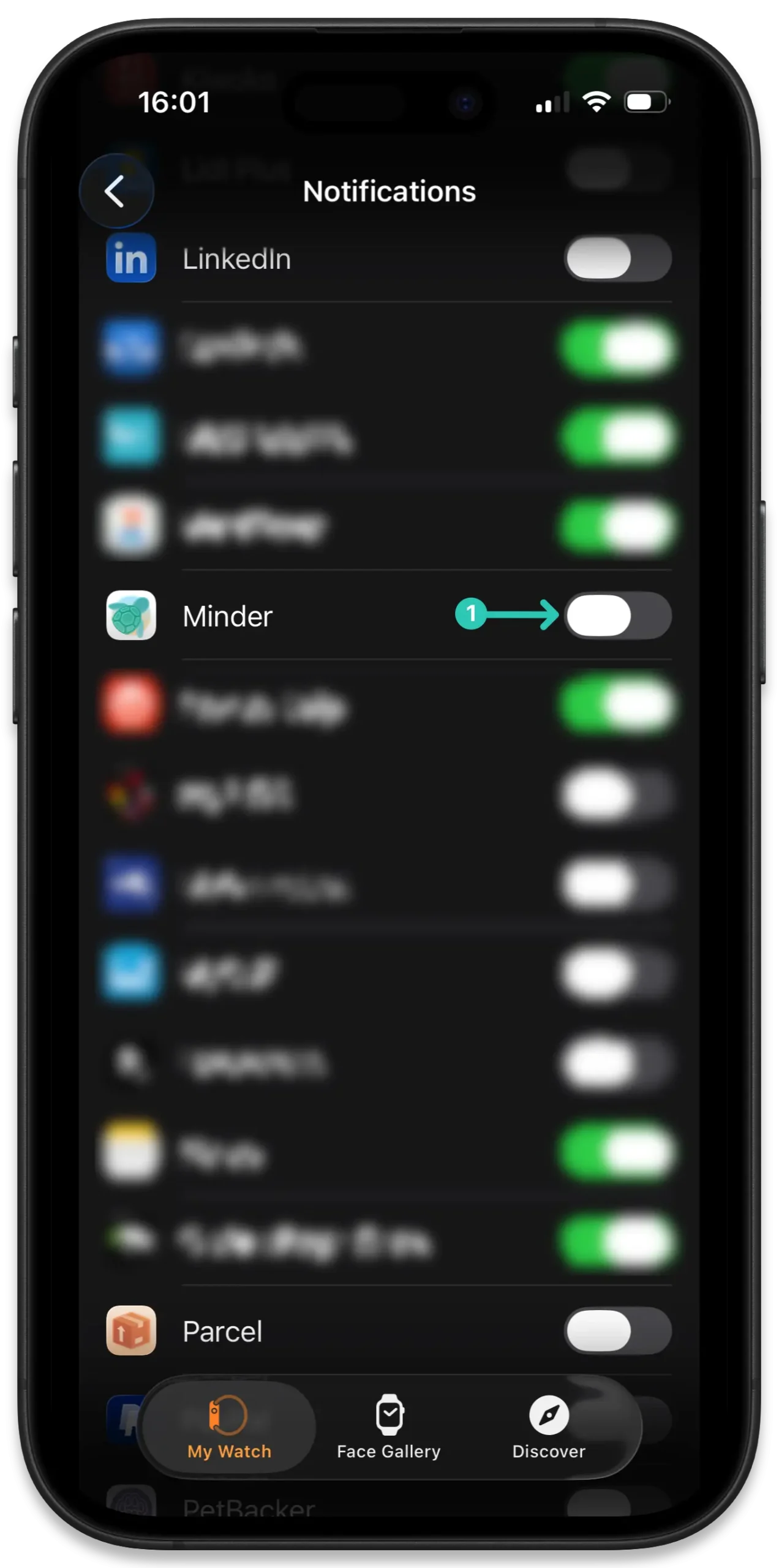
To benefit from the custom notifications when wearing an Apple Watch, on your iPhone open the Watch app and go to Notifications, then scroll down to the section titled “Mirror iPhone Alerts From” and turn off the Minder app(1):